We need your help testing the translation!
If you see translation errors, please write to us on the forum about them.
If you see translation errors, please write to us on the forum about them.
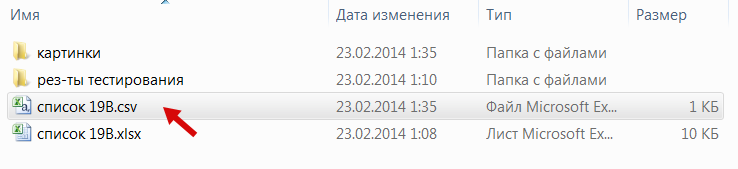
Example of getting a CSV file
Important! Starting with version 1.61b, converting the file to CSV is not required; you can use standard Excel formats - xls and xlsx.
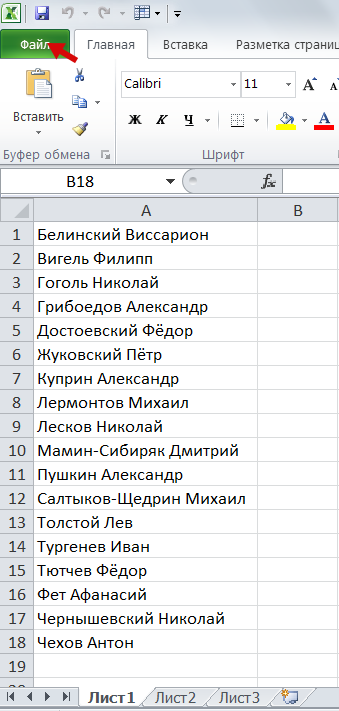
Let's say we have a group list in Excel format.
We need to get the list from it in CSV format.
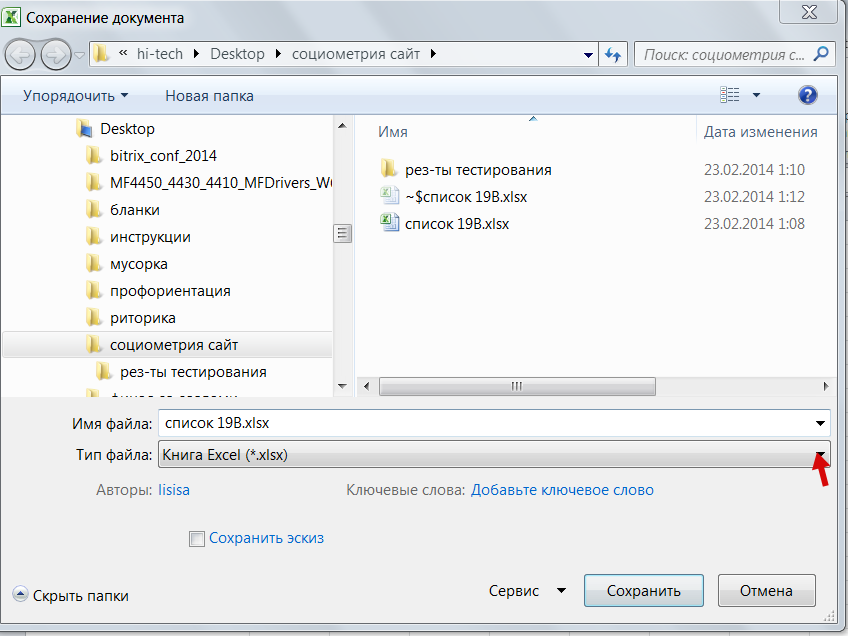
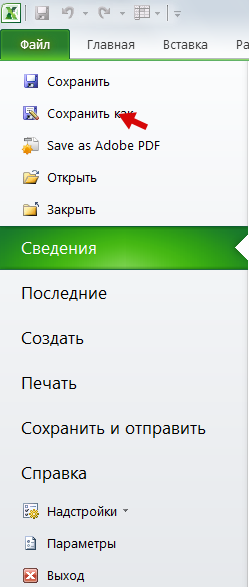
Select 1) "File" - 2) "Save As"
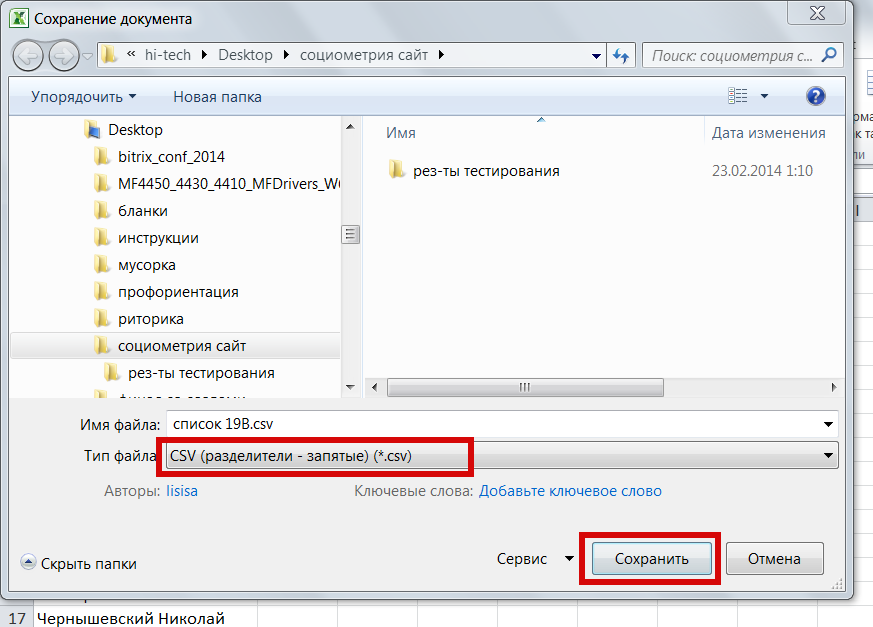
3) From the file type, select "CSV (comma delimited)"